AI video and graphics, for the shots the footage doesn't have
Wire video rarely covers everything a script says. The market story needs a chart the agency didn't shoot; the preview needs a card that exists nowhere in the rushes. MediaBlaze generates both stills and real motion clips as part of the same enrichment run, and hands them to the editor beside your own elements.
Two kinds, one run
Graphics generation is a step inside Auto-Enrich, not a separate errand. It runs after the script — so the visuals are made against words that already exist — and before the voiceover, so a graphics failure has not yet spent voice credit.
- Stills come back in well under a minute and cost cents. Use them for cards, charts, and anything static the footage skipped.
- Motion clips are generated video — 1080p, 16:9, a few seconds long — and take longer and cost meaningfully more. They are for the moments a still would look cheap.
- Both land in the editor in their own media panel, separate from the elements your team uploaded, so you always know which is which.
- Opt in, per run. Graphics are a checkbox on the run, and the checkbox states that it costs extra per graphic on top of the script and voiceover before you tick it.
You can direct it
Left alone, the model decides which shots need a generated visual. When you
already know, say so: a GRAPHIC: line in the storyline
overrides that judgement for a shot, and asking for movement gets you a
motion clip rather than a still.
- A direction beats the model's guess, which matters when a producer knows the beat needs a chart and the script doesn't say so in as many words.
- Contradictory directions degrade safely — a request that cannot be honoured as motion comes back as a still rather than failing the run.
- Without the graphics checkbox it does nothing. A directive left in a storyline cannot spend money on a run you didn't opt into.
Your channel's furniture, generated too
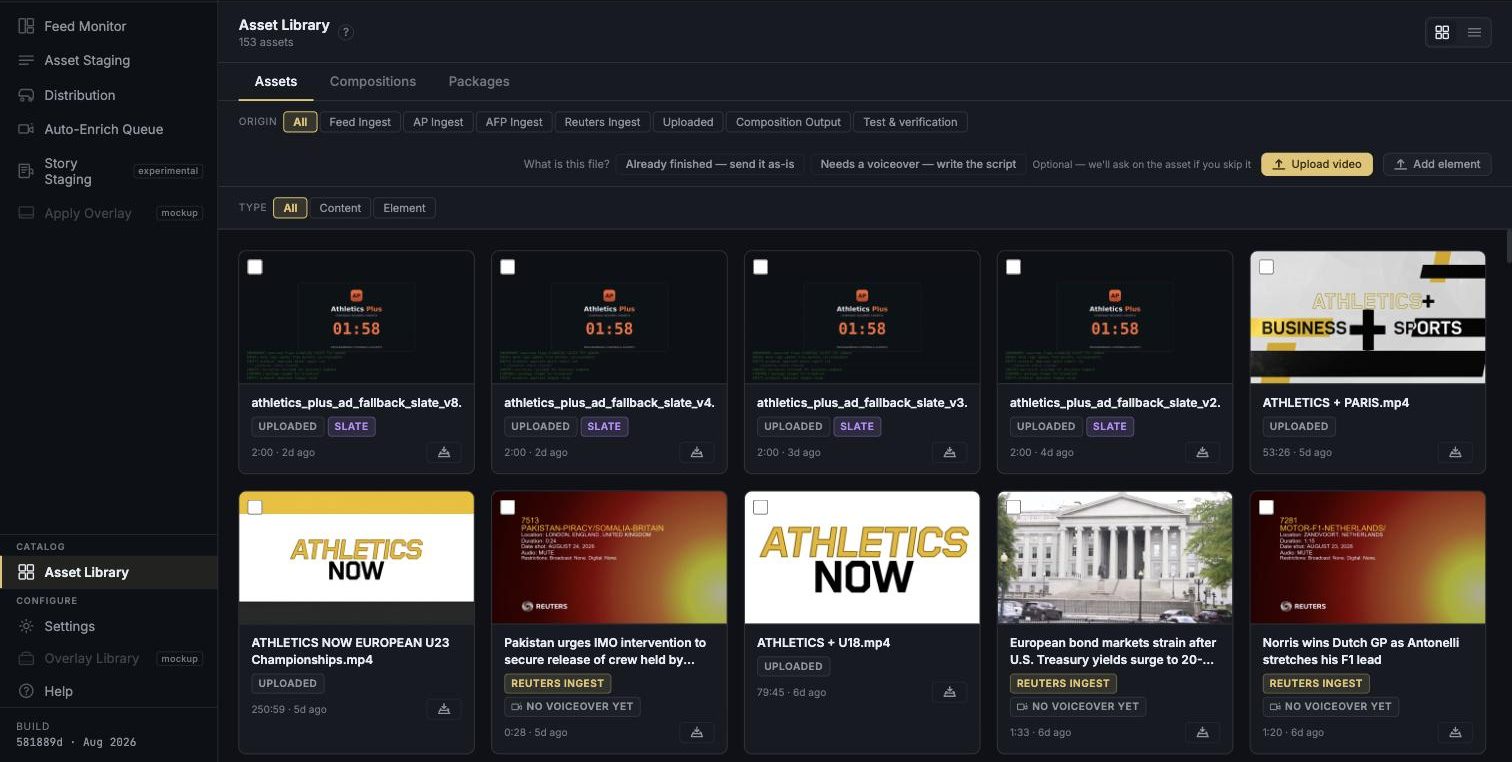
Slates, bumpers, transitions, lower thirds and bugs are what make a channel look like a channel, and the usual route is a designer and a two-week turnaround. Describe one instead, look at it, and keep it or throw it away.
- This one previews before it saves. Try again, save to the library, or discard — nothing is filed until you say so.
- Saved elements are first-class assets, filed by kind and by show, reusable across every segment the channel makes.
- Still placed by hand. Nothing auto-drops a slate, because nothing about a slate is tied to a particular shot.
What we will not pretend
Generated visuals are marked, permanently
Every AI-generated overlay carries an amber border in the editor that cannot be turned off. In this version that border is the safeguard — generated graphics have no separate approval step of their own, and we would rather write that here than imply a review that doesn't exist.
The run generates before you see it
Inside Auto-Enrich there is no preview stage: the run decides, generates and bills in one pass. That is why graphics are opt-in per run and why the cost is stated on the checkbox. Element generation is the exception — that one previews first.
Motion costs real money
A generated video clip is orders of magnitude more expensive than a still, and a shot that fails its retries can spend without producing anything. The per-run ledger records what was spent and which account paid, so it is visible rather than discovered later.